LinkedIn & professional headshots
A headshot you'll actually want on LinkedIn.
Skip the studio booking. Upload photos you already have and get polished, well-lit headshots, framed square for your profile, in minutes.
2 free previews · no card required · one-time packages, no subscription
- 2 free previews before you pay
- Failed photos are never charged
- 14-day refund on unused credits
- Uploads deleted after 7 days
- Never used to train AI
- Secure payment by Stripe
Profile-ready
Square framing with room above your head, so it looks right in LinkedIn's circle.
Company & team pages
Consistent backdrops and light, so a new hire's photo fits next to the rest of the team.
Speakers & consultants
Portraits for bios, proposals and press kits without scheduling a shoot.
Real results
One everyday photo in. Studio-quality photos out.
Unretouched results. Real people are shown with their permission; demo models are AI-generated and labelled as such. Your results depend on the photos you provide.
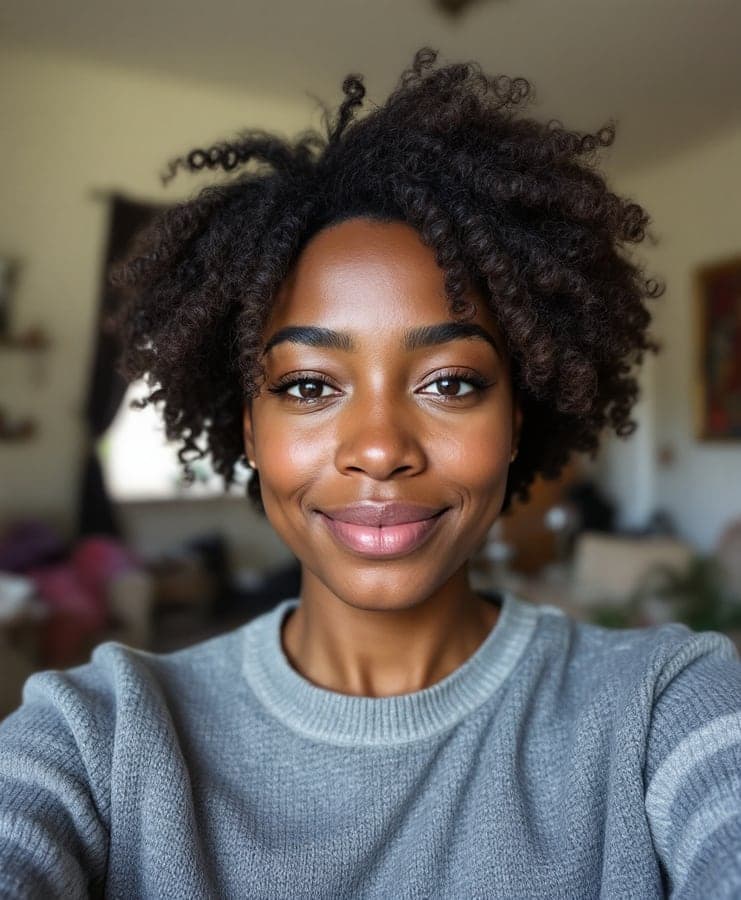 Input (AI-generated)
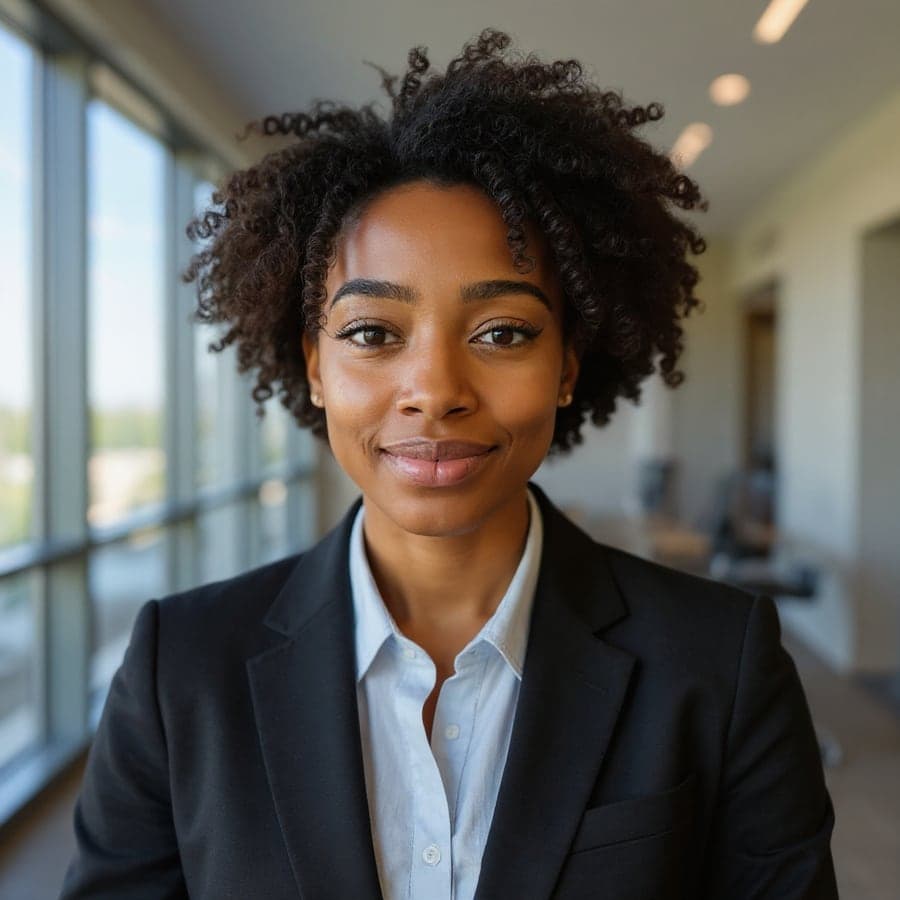 Result
How it works
A studio session in three steps, from your sofa.
- 01
Pick your look
Choose up to four styles: studio headshots, a bright office, golden-hour outdoors and more.
- 02
Add your photos
Everyday phone photos are fine, and one is enough. Each result starts from one of your photos, so adding 3 to 5 gives more variety. We fix light, sharpness and size automatically.
- 03
See free previews, then decide
Get 2 watermarked previews on us. Like them? Pick a package for the full set in high resolution.
Styles
Looks made for LinkedIn & professional.
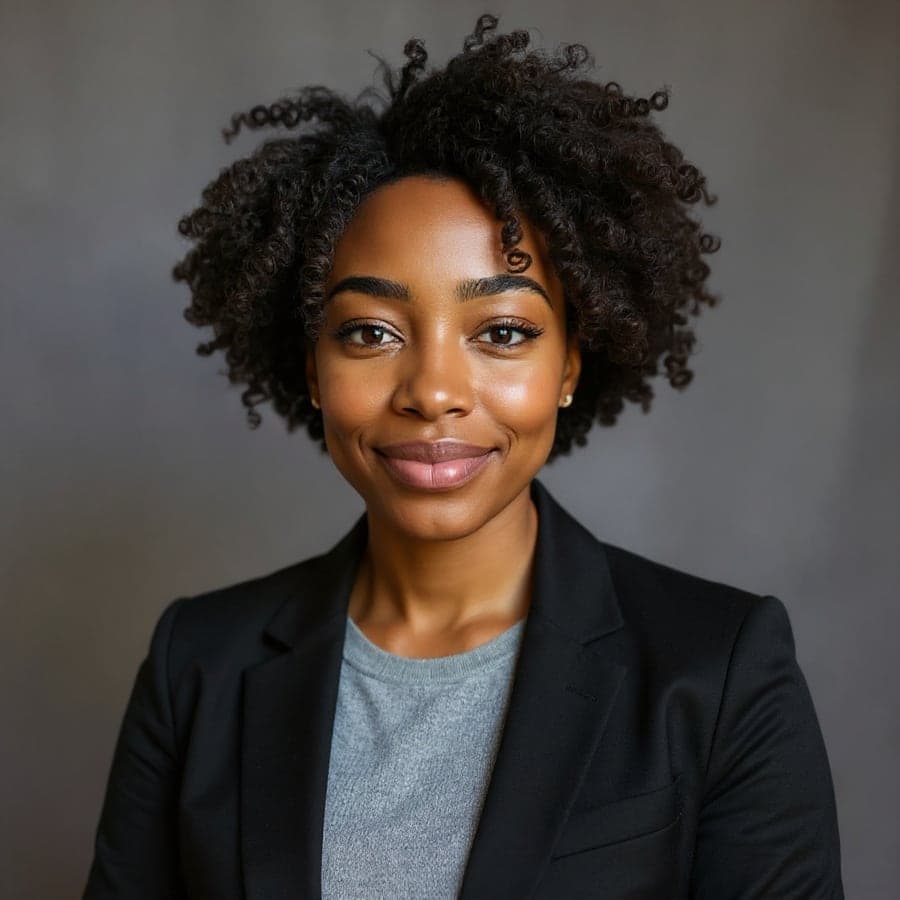 AI demo model
- AI demo model
Modern Office
Bright workplace with a softly blurred background. Approachable, current.
Use this style 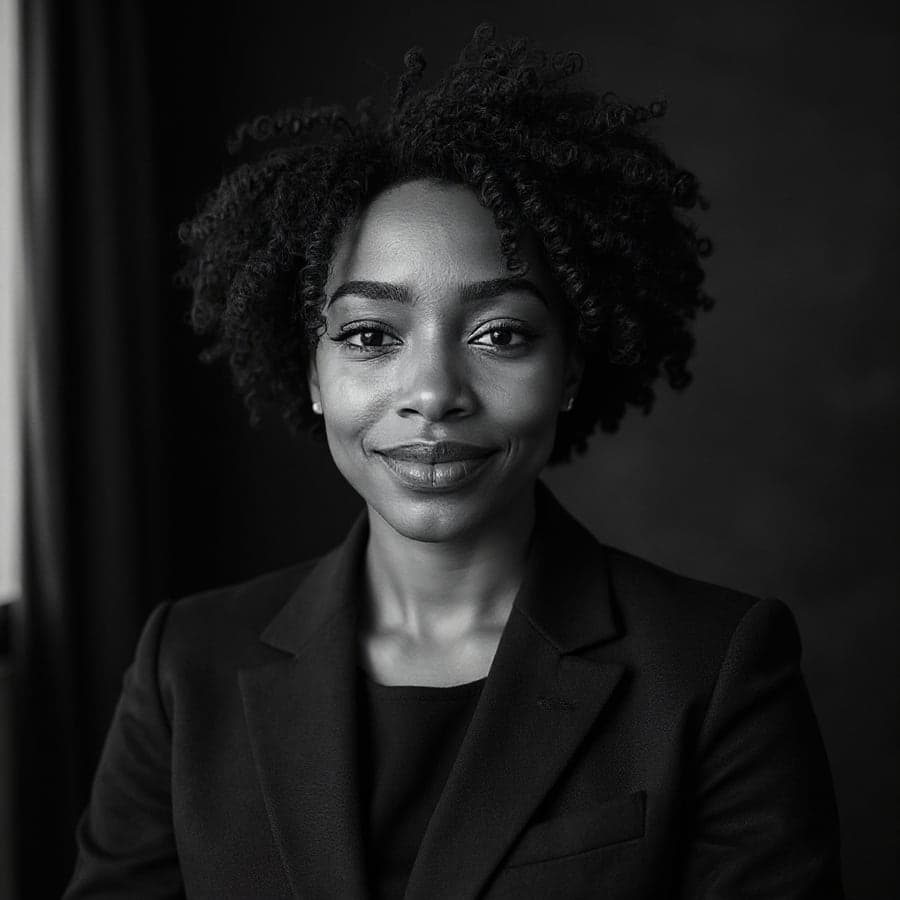 AI demo model
Executive Mono
Black-and-white portrait with deliberate contrast. For founders and speakers.
Use this style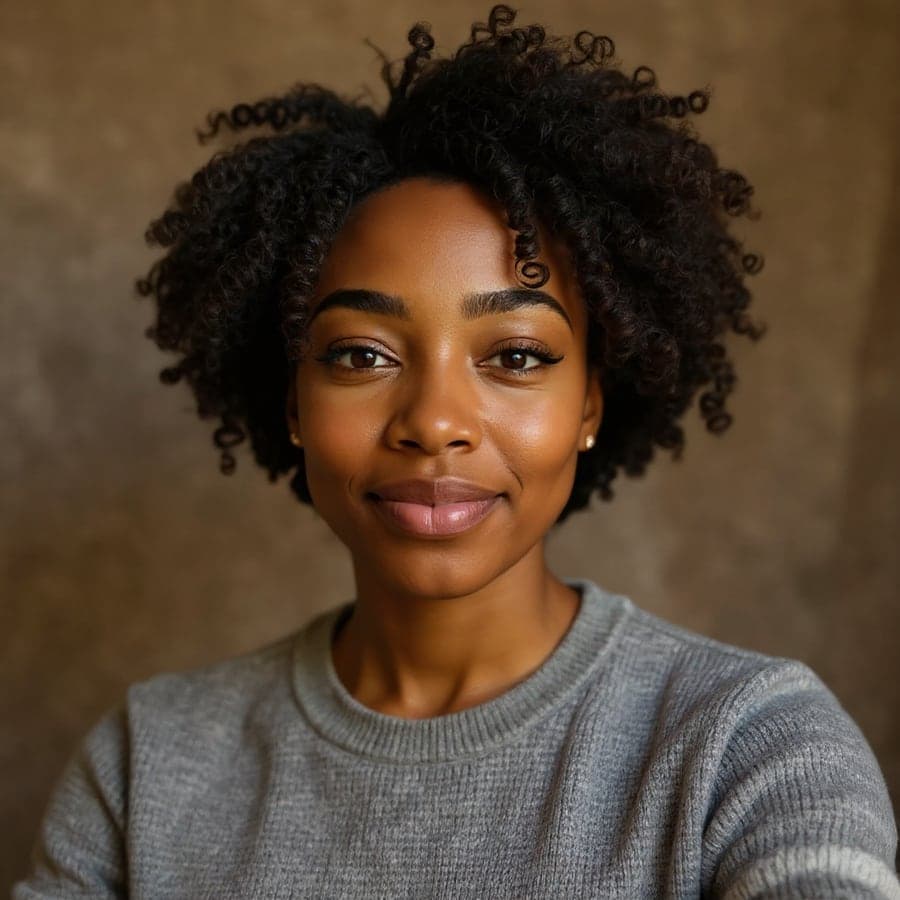 AI demo model
Warm Editorial
Warm-toned backdrop and gentle light. Friendly for consultants and creatives.
Use this style
Before you upload
Better photos in, better photos out.
Works best
- Your face clearly visible, looking roughly at the camera
- Soft daylight, no heavy shadows
- A few different photos (outfits, places) for more variety
- Recent photos that look like you today
Avoid
- Sunglasses, hats or hands covering your face
- Group photos or other people in frame
- Heavy filters or beauty-app edits
- Shots where you are far away and tiny in the frame
Privacy
Your face is personal data. We treat it that way.
- Private by default
- Your uploads and results sit in private storage. There are no public links, and every download is checked against your account.
- Deleted on schedule
- Uploaded photos are deleted 7 days after upload and results after 30 days. You can delete everything sooner with one click.
- Never used for training
- We don't use your photos to train AI models and we never sell them. They're sent to our AI provider only to create your images.
- Metadata stripped
- Location and camera data (EXIF) are removed from every photo the moment it reaches us.
Pricing
One-time packages from $9.99
No subscription. Credits don't expire. Previews are free. Failed photos are never charged.
FAQ
Good questions.
Is this acceptable for LinkedIn?
LinkedIn asks for a photo that represents you. Our professional styles change the background, lighting and clothing, not your face. Choose the result that looks most like you.
Will the photos actually look like me?
We use an image-editing AI model that changes the lighting, background and clothing while being instructed to keep your face unchanged. Results depend heavily on the photos you upload, which is why you see previews before paying. Not every output will be perfect; that's why packages include many photos.
How long does it take?
Usually a few minutes. You can close the page. Your photos keep generating and will be waiting in your studio.
What happens if a photo fails?
If a photo can't be generated, the credit is returned to your balance automatically. You only pay for photos you receive.
Can I use the photos commercially?
Yes, you can use your photos anywhere: LinkedIn, CVs, company websites, dating apps, press kits.
Who can see my photos?
Only you, when signed in. Photos are stored privately and shared with our AI provider solely to generate your images. See our privacy policy for details.
Can I upload photos of someone else?
Only with their explicit permission, and never of anyone under 18. You must have the right to use every photo you upload.